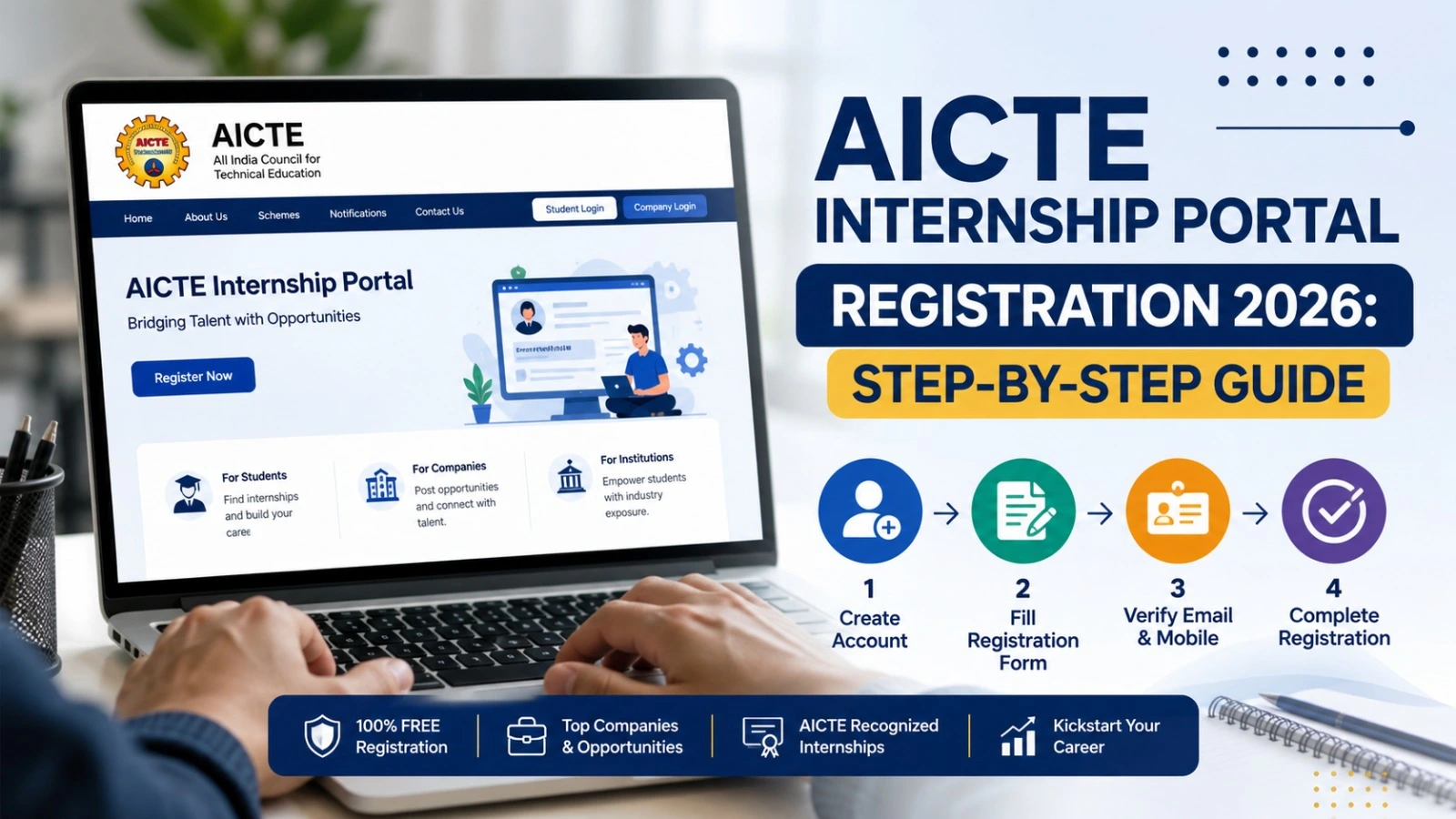
AICTE Internship Portal Registration 2026: Step-by-Step Guide
Students looking for practical experience alongside their studies can explore internship opportunities through the AICTE Internship Portal. The portal connects students with internship opportunities offered by participating organisations, government bodies and other employers.
The AICTE Internship Portal Registration 2026 process allows eligible students to create an account, complete their profiles and apply for suitable opportunities. Before registering, students should check the official portal, review the eligibility conditions of individual internships and keep their academic details ready.
This guide explains how to register, which details may be required, how to log in and what to check before applying.
AICTE Internship Portal 2026: Overview
| Particular | Details |
| Portal name | AICTE National Internship Portal |
| Purpose | Explore and apply for internship opportunities |
| Registration mode | Online |
| Intended users | Students and other eligible candidates |
| Registration fee | The portal states that student registration is free |
| Official registration page | https://internship.aicte-india.org/auth/register?role=student |
| Login page | https://internship.aicte-india.org/auth/login |
| Official portal | https://internship.aicte-india.org/ |
Portal features and available internships may change. Always read the current instructions before submitting an application.
How to Register on the AICTE Internship Portal 2026
Follow these steps to create your student account.
Step 1: Visit the official website
Open the AICTE National Internship Portal. Navigate to the registration section and select the student candidate option.
Check the website address carefully before entering personal information.
Step 2: Select your registration category
Choose the appropriate student category displayed on the registration form. The portal provides options for students from AICTE-affiliated institutions and other listed educational categories.
Select the category that matches your institution and educational background.
Step 3: Enter your college details
Search for your university, college or institute using the available institute list. Check the displayed information, including the institute identification details, before confirming your selection.
If your institution does not appear, follow the portal’s guidance rather than entering incorrect details.
Step 4: Fill in your personal and academic information
Complete the required fields in the registration form. Depending on the current form, these may include:
- Full name and contact number
- Email address
- Student ID or enrolment number
- College or university details
- State and district
- Academic qualification and percentage or grade
- Other identity and account-verification details requested by the portal
The current form may also request an image of your student identity card. Follow the displayed file-format and size requirements.
Enter accurate information and review everything before proceeding.
Step 5: Create your password
Set a password that meets the portal’s current requirements. Keep your login credentials private and avoid reusing passwords from other accounts.
If email verification is required, follow the instructions sent to your registered email address.
Step 6: Submit the registration form
Review the information you entered, accept the applicable terms and conditions if you agree with them, and submit the form.
Save your login details securely. If the portal displays a confirmation message or requests additional verification, complete the stated process.
Documents and Details Required
Prepare the following information before starting your AICTE Internship Portal registration.
| Information or document | Why it may be needed |
| Student ID or enrolment number | To identify your student record |
| College or institute details | To associate your profile with your institution |
| Student identity card | The registration form may require an upload |
| Email address and mobile number | For account access and communication |
| Academic details | To complete your student profile |
| Other requested identity details | To satisfy the form’s verification requirements |
Requirements may vary with portal updates. Submit sensitive identity information only after verifying the website address and reviewing its privacy policy.
How to Log In to the AICTE Internship Portal
Students who already have an account can visit the AICTE Internship Portal login page.
Select the student candidate login category, enter your registered email address or portal ID and password, and complete any security check displayed on the page.
If you cannot access your account, use the available password-recovery or email-verification options. Avoid creating duplicate accounts unless the portal’s support team advises you to do so.
How to Apply for an Internship
Registration creates your account, but it does not automatically guarantee selection for an internship.
After logging in, complete your profile and browse the opportunities currently listed on the portal. Check each opening’s eligibility criteria, required skills, duration, location, application deadline and stipend details, if applicable.
Choose an opportunity that matches your qualifications and submit the application according to its instructions. Keep checking your account for updates or requests for additional information.
Important Things Students Should Know
- Student registration on the portal is stated to be free.
- An internship is not guaranteed simply because you have registered.
- Stipends, certificates and academic credits depend on the applicable programme and its conditions.
- Do not pay agents who promise guaranteed selection.
- Verify the organisation and internship details before accepting an offer.
Frequently Asked Questions
Is AICTE Internship Portal registration free in 2026?
The portal states that student registration is free. Students should use the official portal and avoid third-party registration charges.
Who can register on the AICTE Internship Portal?
Students can select the applicable category offered on the registration form. Eligibility for individual internships depends on the specific opportunity.
Can I apply immediately after registration?
You can explore suitable openings after accessing your account and completing the required profile information. Each internship may have additional application requirements.
Does registration guarantee an internship or stipend?
No. Registration does not guarantee selection, a stipend or a certificate. Check the conditions of each opportunity before applying.
Conclusion
The AICTE Internship Portal Registration 2026 process helps students create an online profile and explore relevant internship opportunities. Complete your details carefully, review eligibility requirements and apply only to openings that match your academic background and skills.
For the latest registration instructions, visit the AICTE National Internship Portal directly.