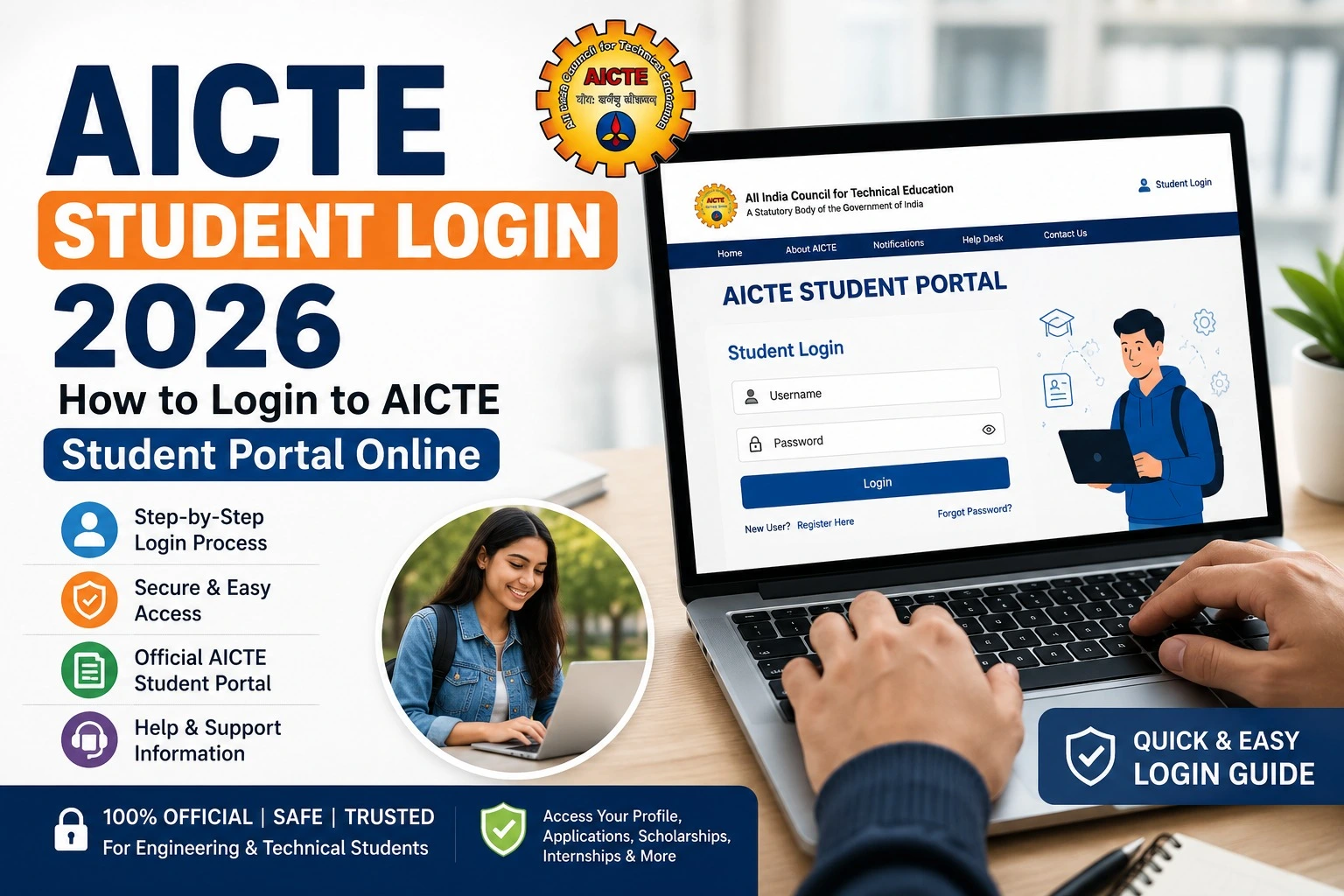
AICTE Student Login 2026: How to Login to AICTE Student Portal Online
If you are searching for AICTE Student Login 2026, it is important to know that AICTE operates different student-focused portals for services such as internships, placements, apprenticeships and learning opportunities. Therefore, the correct login page depends on the service you want to access.
The All India Council for Technical Education (AICTE) is the statutory council responsible for coordinated development and planning of technical education in India. The official AICTE website provides information related to admissions, scholarships, schemes and other services.
This guide explains how students can identify the correct AICTE portal, complete the AICTE student login, register if they are new users and troubleshoot common login problems.
AICTE Student Login 2026 – Quick Information
| Particular | Details |
| Organisation | All India Council for Technical Education (AICTE) |
| Main Website | AICTE Official Website |
| Student Services | Internships, placements, apprenticeships and other services |
| Login Method | Usually registered email/credentials, depending on portal |
| Year | 2026 |
| Official Portal | Depends on the AICTE service being used |
Important: There is not one universal login page for every AICTE student service. Always use the official AICTE-linked portal for the particular service you need.
How to Login to the AICTE Student Portal
Follow these steps to access the relevant AICTE student service:
Step 1: Visit the official AICTE website
Start from the official AICTE website rather than clicking an unknown login link shared on social media or third-party websites.
From there, identify the service you need.
Step 2: Select the correct student service
AICTE has separate portals for different purposes. For example, students looking for internships can use the AICTE Internship Portal, while apprenticeship candidates use the NATS student portal.
The AICTE Internship Portal provides a student login and registration facility for internships and related opportunities.
Step 3: Enter your login details
Depending on the portal, you may be asked to provide your registered email address and password.
For example, the AICTE Internship Portal’s login page provides fields for email and password and also includes options such as Forgot Password, Verify Email and Register Now.
Enter your details carefully and click the Login or Sign In button.
Step 4: Access your student dashboard
After successful authentication, you should be taken to the relevant student dashboard. The available options will depend on the AICTE service and your account.
Do not share your password, OTP or other account credentials with anyone claiming to provide faster approval or registration.
AICTE Student Registration 2026
If you do not already have an account, you generally need to complete registration before attempting to log in.
The registration requirements vary by portal. For example, the AICTE Internship Portal provides a dedicated student registration facility.
For students enrolling through the National Apprenticeship Training Scheme (NATS), the official registration page asks for details such as Aadhaar, personal email, mobile number, photograph, bank information and qualifying educational documents. The portal also uses mobile and email OTP verification.
Therefore, students should check the requirements of their specific portal before beginning registration.
Important AICTE Student Portals
| Portal/Service | Main Purpose | Student Login |
| AICTE Internship Portal | Internships and career opportunities | Student Login |
| AICTE Placement Portal | Placement and career-related services | Student Login |
| NATS | Apprenticeship training | NATS Student Login |
| NEAT | Technology-based learning opportunities | NEAT Login |
| Main AICTE Website | Official information and services | AICTE Website |
The AICTE Placement Portal specifically provides a student login option and includes registration and password-recovery facilities.
Forgot AICTE Student Login Password?
If you have forgotten your password, do not create another account immediately.
First, open the official login page for the relevant AICTE service and look for Forgot Password. Follow the verification instructions and create a new password when prompted.
For example, the AICTE Placement Portal provides a dedicated password-recovery page.
If the problem is related to an OTP or email verification, check your registered email inbox, spam folder and mobile messages before requesting another OTP.
Common Problems During AICTE Student Login
Students may sometimes experience login difficulties because of:
- Incorrect email address or password
- Unverified email account
- Expired or incorrect OTP
- Browser or cache problems
- Temporary portal maintenance
- Using the wrong AICTE service login page
- Registration details that do not match the account
Try clearing your browser cache, using an updated browser and checking that you are accessing the correct official portal.
Most importantly, do not enter your credentials on unofficial websites.
AICTE Student Login 2026 – FAQs
Is there one common AICTE Student Login portal?
No. AICTE operates different online services, and students may have separate login pages depending on whether they are using internships, placements, NATS, NEAT or another service.
How can I find the official AICTE portal?
Start with the official AICTE website and use the relevant service link. Avoid relying on random login pages circulated through social media or messaging apps.
What should I do if I forget my AICTE password?
Open the official login page of the service you use and select Forgot Password. Complete the requested verification process.
Can I register for AICTE services online?
Yes, several AICTE student services provide online registration. However, the information and documents required can differ between portals.
Final Words
The AICTE Student Login 2026 process is straightforward once you identify the correct AICTE service. The key point is that AICTE does not use a single student login for every service. Internship, placement, apprenticeship and learning services can have separate portals and account systems.
For safety, always begin with the official AICTE website, use the appropriate student portal and keep your login credentials private. Checking the official portal before entering personal information can also help you avoid fake or misleading login websites.
Official AICTE Website: https://www.aicte.gov.in/