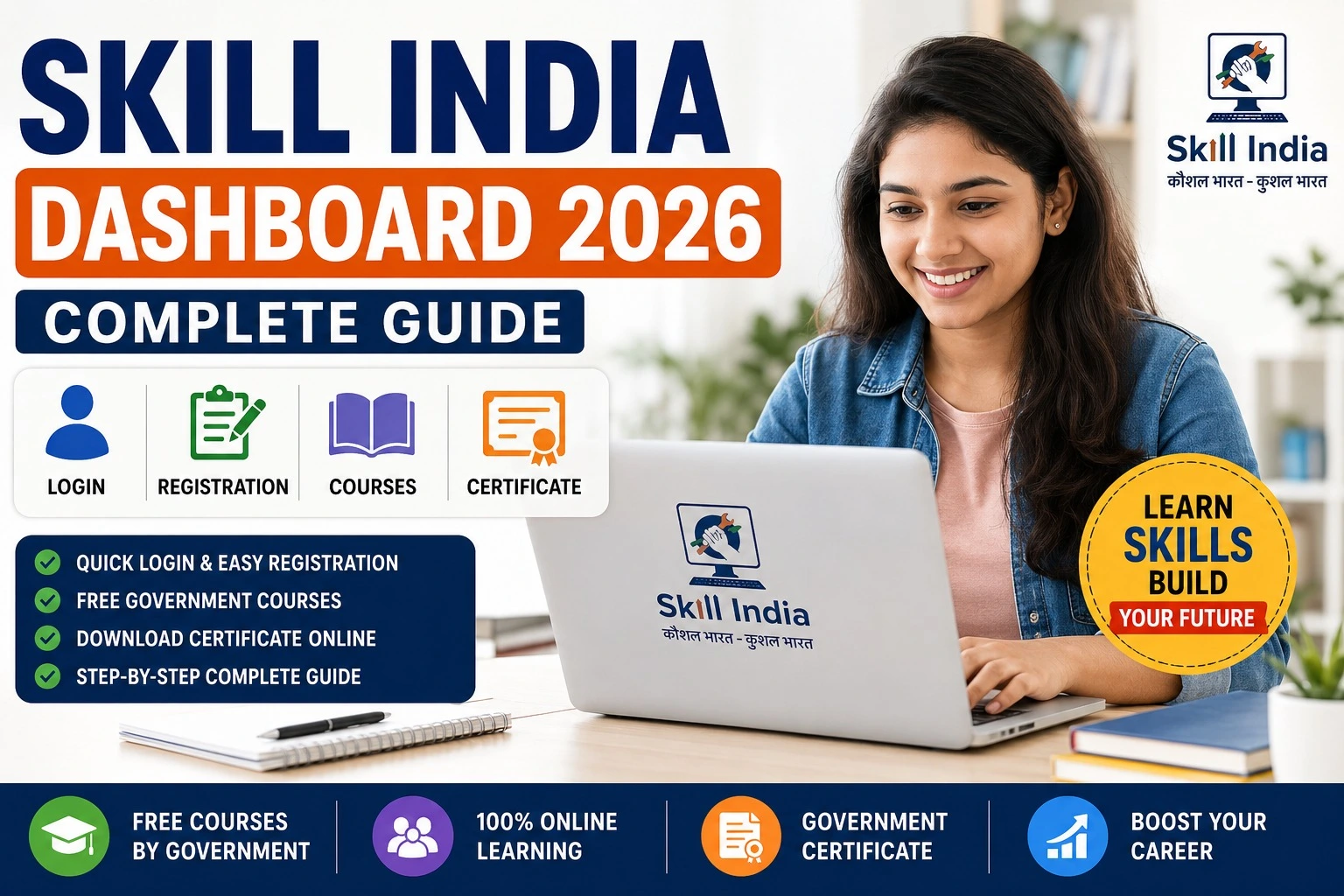
Skill India Dashboard 2026: Login, Registration, Courses, Certificate & Complete Guide
India’s skill development ecosystem is becoming increasingly digital, making it easier for learners to access training, certifications, and career opportunities. The Skill India Dashboard is one of the key features of the Skill India Digital Hub (SIDH), allowing users to manage their learning journey from a single platform.
Whether you are a student looking for free skill courses, a job seeker planning to improve your employability, or a working professional interested in upskilling, the Skill India Dashboard gives you quick access to courses, certificates, profile management, and other career-related services.
In this complete guide, you’ll learn how to register, log in, update your profile, enroll in courses, download certificates, and use the dashboard effectively.
What is the Skill India Dashboard?
The Skill India Dashboard is the personalized user area available after signing in to the Skill India Digital Hub (SIDH). It helps learners access skill development programs, monitor their course progress, manage personal information, and download certificates for eligible completed courses.
The dashboard is designed to bring multiple government-supported skill development services together in one place, making it easier for users to continue learning and explore career opportunities.
Skill India Dashboard 2026 – Overview
| Particular | Details |
| Platform | Skill India Digital Hub (SIDH) |
| Dashboard Name | Skill India Dashboard |
| Managed By | Ministry of Skill Development & Entrepreneurship (MSDE) |
| Mode | Online |
| Registration | Free |
| Login | Mobile Number/Email with OTP |
| Course Enrollment | Available through Dashboard |
| Certificate | Digital Certificate for eligible courses |
| Official Portal | https://www.skillindiadigital.gov.in |
| Login Page | https://www.skillindiadigital.gov.in/login |
Key Features of the Skill India Dashboard
After logging into your account, you can access several useful features:
- Personal dashboard overview
- Course recommendations
- Skill development programs
- Learning progress tracking
- Certificate management
- Profile editing
- Career opportunities
- Apprenticeship information
- Government-supported training programs
- Notifications and announcements
These features help learners organize their training and keep track of completed activities.
Who Can Register?
The Skill India platform is open to a broad range of users, depending on the eligibility requirements of individual courses.
Eligible users may include:
- School and college students
- Graduates
- Freshers
- Working professionals
- Entrepreneurs
- Women returning to the workforce
- Job seekers
- Self-employed individuals
Always review the eligibility criteria for the specific course before enrolling.
How to Register on Skill India Dashboard
Follow these simple steps:
Step 1
Visit the official Skill India Digital Hub portal.
Step 2
Click on Register.
Step 3
Enter your mobile number or email address.
Step 4
Verify your account using the OTP.
Step 5
Complete your profile with educational and personal details.
Step 6
Submit the registration form.
Step 7
Log in to your dashboard and start exploring available courses.
Skill India Dashboard Login Process
Logging in is simple:
- Visit the official login page.
- Enter your registered mobile number or email ID.
- Complete OTP verification.
- Access your personal dashboard.
Once logged in, you can manage courses, certificates, and profile details from one place.
How to Enroll in Skill India Courses
The dashboard makes course enrollment straightforward.
- Open your dashboard.
- Browse available courses.
- Read the course description and eligibility.
- Click Enroll.
- Complete the learning modules.
- Appear for assessments if required.
- Complete the course successfully.
Course availability may vary over time.
How to Download Skill India Certificate
If your completed course offers a certificate, follow these steps:
- Log in to the Skill India Dashboard.
- Open My Learning or Completed Courses.
- Select the completed course.
- Click Download Certificate if available.
- Save the certificate for future use.
Certificate issuance depends on the requirements of the specific course or training provider.
Profile Update on Skill India Dashboard
Keeping your profile updated can help you receive more relevant course recommendations.
You can usually update:
- Name
- Contact details
- Education
- Skills
- Employment information
- Career interests
Ensure the information you provide is accurate.
Documents Required
| Document | Required |
| Mobile Number | Yes |
| Email ID | Yes |
| Educational Details | Yes |
| Aadhaar (if requested) | Course-specific |
| Passport-size Photograph | If applicable |
Requirements may differ depending on the course.
Benefits of Using the Skill India Dashboard
The dashboard provides several advantages for learners:
- Easy access to learning resources
- One place to manage courses and certificates
- Explore government-supported training programs
- Track learning progress
- Build new skills
- Access career guidance
- Discover apprenticeship and job opportunities
- Improve your professional profile with relevant certifications
Important Official Links
| Service | Official Link |
| Skill India Digital Hub | https://www.skillindiadigital.gov.in |
| Dashboard Login | https://www.skillindiadigital.gov.in/login |
| Registration | https://www.skillindiadigital.gov.in |
| Courses | Available after login |
| Certificate Download | Available from the user dashboard after eligible course completion |
Frequently Asked Questions (FAQs)
Is Skill India Dashboard free to use?
Yes. Registration on the platform is generally free. Individual courses may have separate eligibility or fee requirements.
Can I access free courses?
Yes. The platform includes both free and other training opportunities, depending on the course provider.
How do I download my certificate?
If your course offers a certificate, you can access it through the dashboard after successfully completing the course requirements.
Is the dashboard available online?
Yes. It is accessible through the official Skill India Digital Hub website.
Who can use the Skill India Dashboard?
Students, graduates, job seekers, professionals, entrepreneurs, and other eligible learners can create an account and explore available courses.
Final Words
The Skill India Dashboard is an important gateway for learners who want to build new skills, manage their training, and access government-supported learning opportunities through the Skill India Digital Hub. With one account, users can register for courses, monitor progress, update their profiles, and download certificates for eligible completed programs.
Before enrolling in any course, always check the latest eligibility criteria, course details, assessment requirements, and certificate policy on the official Skill India Digital Hub. Choosing courses that align with your career goals and regularly updating your dashboard profile can help you make the most of the platform’s learning and career resources.