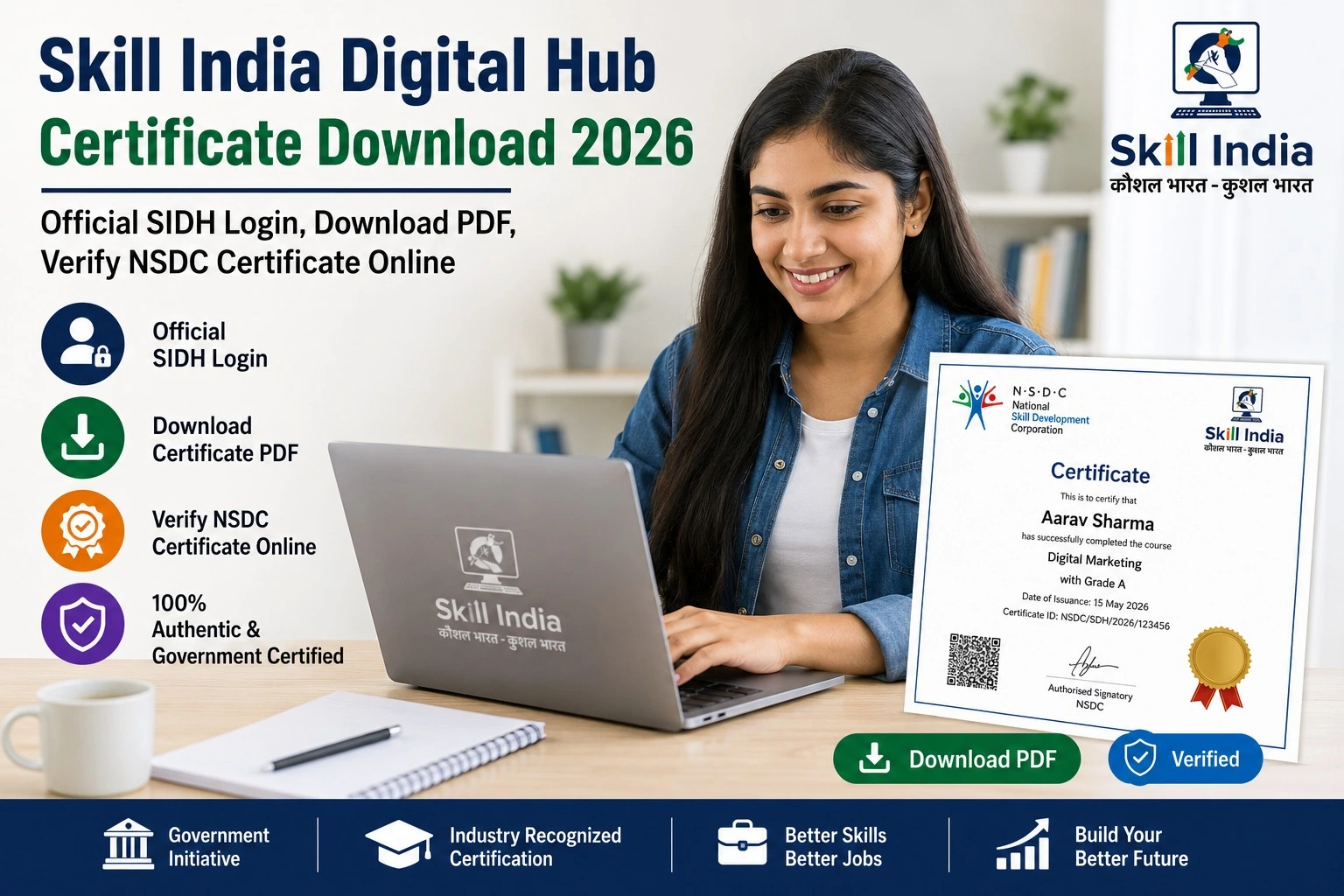
Skill India Digital Hub Certificate Download 2026: Official SIDH Login, Download PDF & Verify NSDC Certificate Online
If you have completed a course through the Skill India Digital Hub (SIDH) and are wondering how to download your certificate, you’re in the right place. Thousands of learners complete government-supported skill development courses every month, and one of the most searched topics is Skill India Digital Hub Certificate Download.
The certificate can be valuable when applying for jobs, internships, apprenticeships, higher education, or showcasing your skills on professional platforms. In this guide, you’ll learn how to download your Skill India Digital Hub certificate, verify it online, understand eligibility, and troubleshoot common issues.
What is the Skill India Digital Hub (SIDH)?
The Skill India Digital Hub (SIDH) is the Government of India’s integrated digital platform for skill development. Developed under the Ministry of Skill Development and Entrepreneurship (MSDE) with support from the National Skill Development Corporation (NSDC), the portal brings together learners, training providers, employers, and government skill initiatives in one place.
Through SIDH, users can:
- Register for skill development programs
- Access free and partner-led courses
- Track learning progress
- Apply for apprenticeships and jobs
- Download eligible certificates
- Explore career opportunities
Skill India Digital Hub Certificate Download 2026 – Highlights
| Particular | Details |
| Portal Name | Skill India Digital Hub (SIDH) |
| Managed By | Ministry of Skill Development & Entrepreneurship (MSDE) |
| Implementation Partner | National Skill Development Corporation (NSDC) |
| Certificate Mode | Digital PDF (course dependent) |
| Login Required | Yes |
| Registration Fee | Free |
| Certificate Availability | After successful completion of eligible courses |
| Official SIDH Portal | https://www.skillindiadigital.gov.in |
| NSDC Website | https://nsdcindia.org |
Who Can Download the SIDH Certificate?
You can download a certificate if:
- You are registered on the Skill India Digital Hub.
- You have successfully completed an eligible course.
- You have met the assessment or completion requirements (if applicable).
- Your certificate has been issued by NSDC or the authorized training partner.
Not every course automatically provides an NSDC certificate. Check the course details before enrolling.
How to Download Skill India Digital Hub Certificate
Follow these simple steps:
Step 1: Visit the Official Portal
Open the official Skill India Digital Hub website.
Step 2: Login
Sign in using your registered mobile number, email address, or other supported login method.
Step 3: Open Your Dashboard
After logging in, go to your learner dashboard.
Step 4: Select “My Learning”
Open the section that lists your enrolled and completed courses.
Step 5: Choose the Completed Course
Click on the course for which the certificate has been issued.
Step 6: Download the Certificate
If available, click Download Certificate to save the PDF to your device.
How to Verify Your NSDC Certificate Online
Some certificates include verification features such as:
- QR Code
- Certificate Number
- Digital Verification Link
- Candidate Details
- Course Details
- Issue Date
Employers and organizations can use these details to verify the authenticity of the certificate, where supported.
Benefits of a Skill India Digital Hub Certificate
A certificate from an eligible Skill India program can help you:
- Strengthen your resume
- Demonstrate completed training
- Apply for relevant jobs and internships
- Showcase industry-relevant skills
- Support career advancement
- Share achievements on professional networking platforms
While a certificate can improve your profile, employers may also consider experience, assessments, and other qualifications during recruitment.
Common Reasons Why the Certificate Is Not Available
If you cannot download your certificate, possible reasons include:
- The course is still in progress.
- Final assessment has not been completed.
- Certificate generation is pending.
- Profile details need updating.
- The selected course does not issue a certificate.
If the issue continues, contact the training provider or use the official support channels listed on the portal.
Documents Required
Generally, you may need:
- Registered Mobile Number
- Email Address
- Login Credentials
- Learner ID (if applicable)
No additional documents are usually required simply to download an issued digital certificate.
Official Government Portals
| Service | Official Portal |
| Skill India Digital Hub | https://www.skillindiadigital.gov.in |
| National Skill Development Corporation | https://nsdcindia.org |
| Ministry of Skill Development & Entrepreneurship | https://msde.gov.in |
| eSkill India | https://eskillindia.org |
Always access certificates through official government websites and avoid unofficial portals that request personal information.
Tips Before Downloading Your Certificate
To ensure a smooth experience:
- Complete all course requirements.
- Check your dashboard regularly.
- Keep your mobile number and email updated.
- Verify that your profile information is accurate.
- Download and securely save the PDF certificate.
- Revisit the portal if certificate generation is still in progress.
Frequently Asked Questions (FAQs)
Is Skill India Digital Hub certificate download free?
Yes. If your certificate has been issued for an eligible course, downloading it through the official portal is generally free.
Can I download the certificate as a PDF?
Yes. Eligible certificates are typically available in digital PDF format.
Is every Skill India course certified?
No. Certificate availability depends on the specific course and training partner.
How do I verify my certificate?
Where supported, certificates include details such as a QR code, certificate number, or other verification information.
Can I use the certificate while applying for jobs?
Yes. You can include eligible certificates in your resume or job applications. Hiring decisions remain subject to employer requirements.
Final Words
The Skill India Digital Hub Certificate Download 2026 process is designed to make it easy for learners to access their digital credentials after successfully completing eligible training programs. Whether you are a student, job seeker, or working professional, downloading and securely storing your certificate is an important step after course completion.
Before enrolling in any course, check whether it offers a certificate, understand the eligibility conditions, and always use the official Skill India Digital Hub portal for registration, login, certificate download, and verification.