Skill India Government Certificate Download 2026: How to Download, Verify, Login & Complete Guide
Thousands of students complete Skill India training every month and receive government-recognized certificates that help them apply for jobs, internships, apprenticeships, and skill-based employment across India. If you have successfully completed a course under Skill India, PMKVY, NSDC, or the Skill India Digital (SIDH) Portal, you can easily download your certificate online.
In this guide, you’ll learn the complete process to download your Skill India Government Certificate 2026, verify its authenticity, log in to the official portal, fix common download issues, and understand where your certificate can be used.
Whether you are a student, fresher, job seeker, or working professional, this guide covers everything in one place.
What is the Skill India Government Certificate?
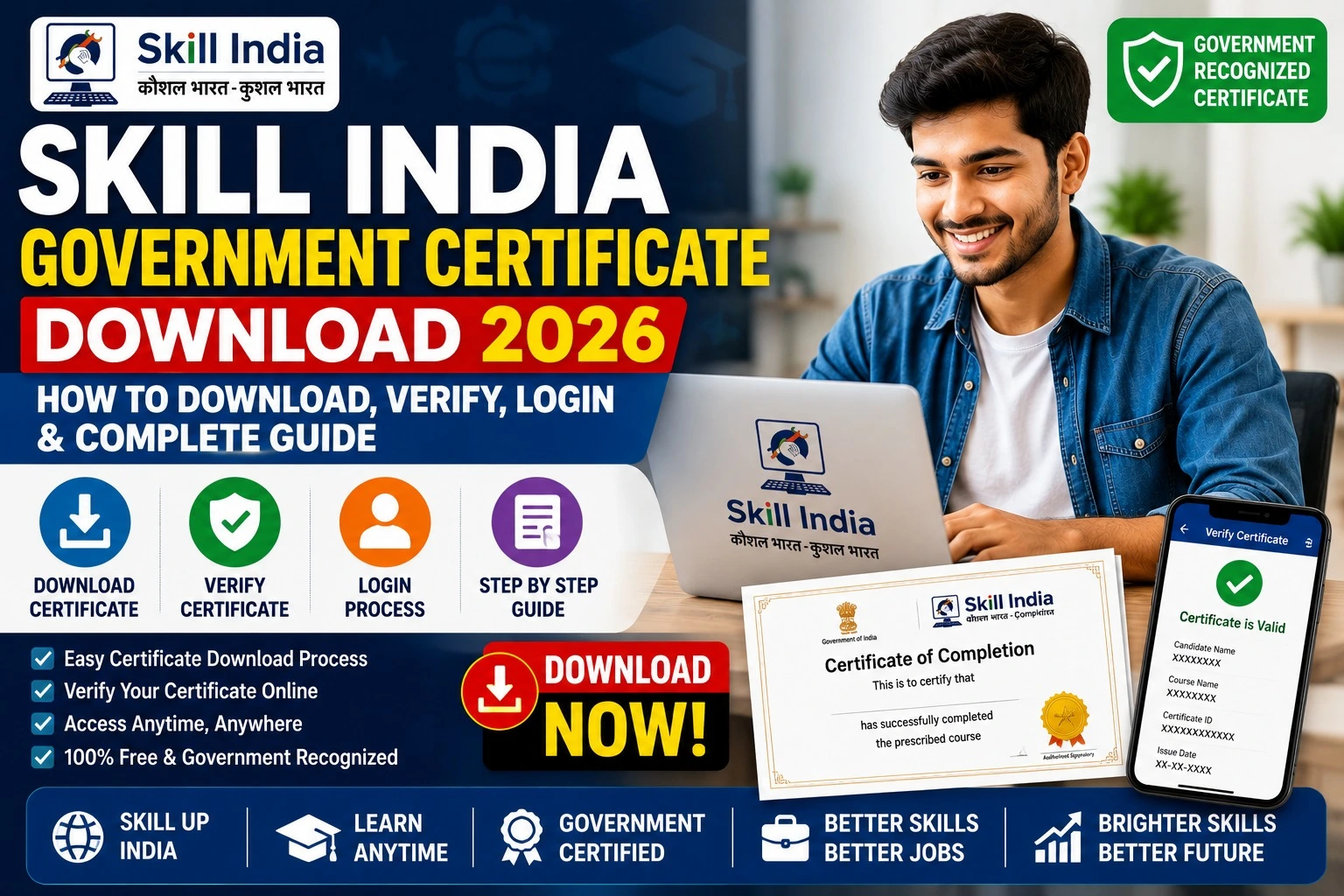
The Skill India Government Certificate is an official certificate issued after successfully completing an approved skill development course under the Ministry of Skill Development and Entrepreneurship (MSDE).
The certificate proves that you have successfully completed government-approved training and possess industry-relevant skills.
It is accepted by many employers across India and can also be useful while applying for apprenticeships, private jobs, government skill programs, and career development opportunities.
Who Can Download the Certificate?
You can download your certificate if you have completed training through any approved Skill India programme, including:
- Skill India Digital (SIDH)
- PMKVY (Pradhan Mantri Kaushal Vikas Yojana)
- NSDC Partner Training Centres
- Jan Shikshan Sansthan (JSS)
- Apprenticeship-related Skill Courses
- Other MSDE-approved training programmes
Skill India Certificate Download 2026 – Important Details
| Particular | Details |
| Certificate Name | Skill India Government Certificate |
| Issued By | Ministry of Skill Development and Entrepreneurship (MSDE) |
| Platform | Skill India Digital (SIDH) |
| Certificate Mode | Online PDF |
| Login Required | Yes |
| Verification Available | Yes |
| DigiLocker Support | Available for eligible certificates |
| Official Language | English (most certificates) |
| Fee | Free |
Official Skill India Portals
| Service | Official Portal |
| Skill India Digital Portal | https://www.skillindiadigital.gov.in |
| NSDC | https://www.nsdcindia.org |
| Skill India Mission | https://www.skillindia.gov.in |
| DigiLocker | https://www.digilocker.gov.in |
How to Download Skill India Government Certificate 2026
Follow these simple steps:
Step 1
Visit the official Skill India Digital Portal.
Step 2
Click on Login.
Step 3
Login using your registered mobile number, email ID, or Aadhaar-linked account.
Step 4
Enter the OTP.
Step 5
Open your Dashboard.
Step 6
Click on Certificates or Completed Courses.
Step 7
Select your completed course.
Step 8
Click Download Certificate.
Step 9
Save the PDF on your device.
You can also print it whenever required.
How to Verify Skill India Certificate
Employers may ask you to verify your certificate before recruitment.
Verification usually requires:
- Certificate Number
- Candidate Name
- Registered Mobile Number
- QR Code (available on many certificates)
If your certificate includes a QR Code, simply scan it to verify its authenticity.
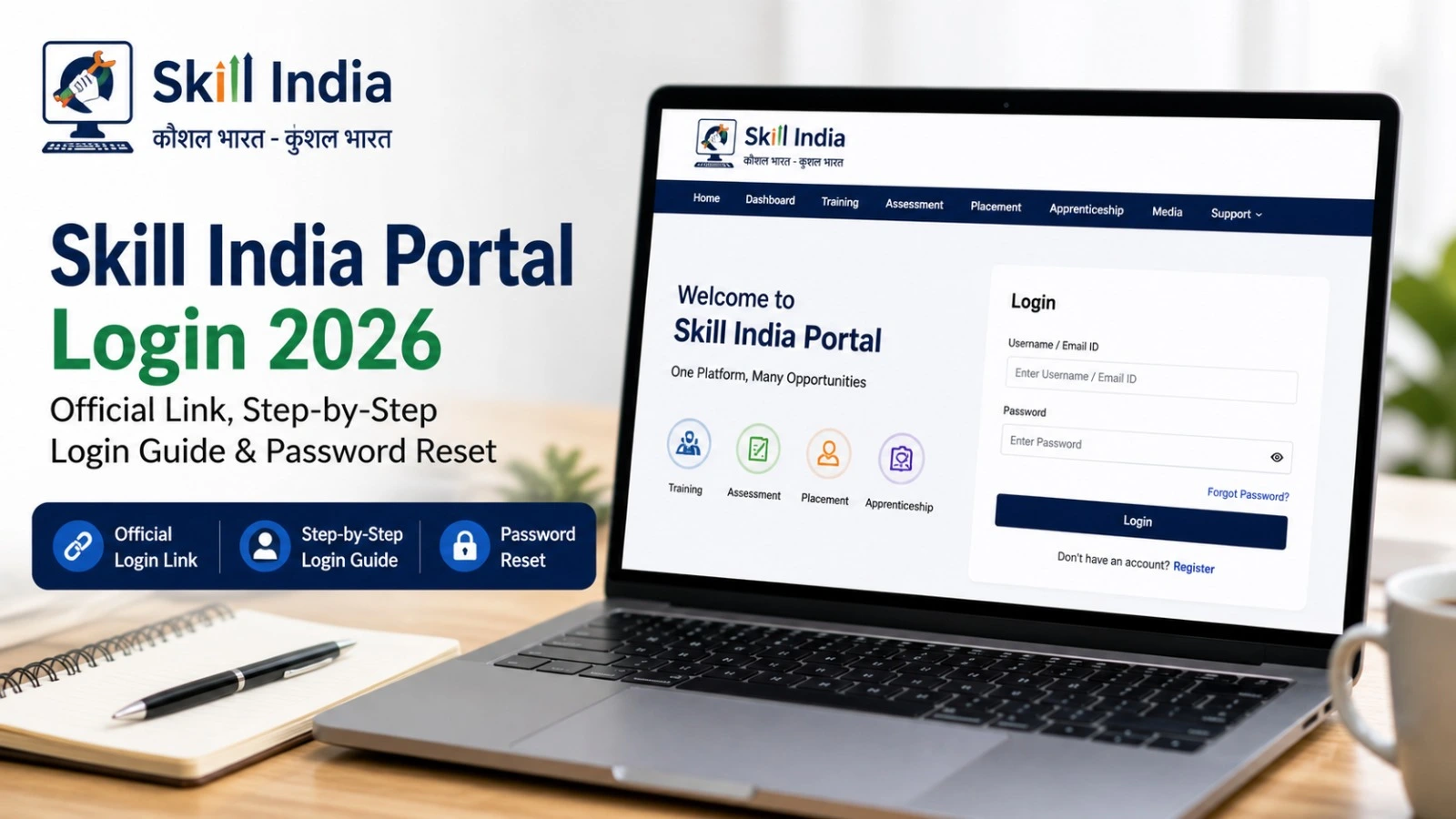
Login Process for Skill India Portal
To access your certificate:
- Visit the Skill India Digital Portal.
- Click Login.
- Enter your registered mobile number.
- Verify using OTP.
- Open Dashboard.
- Download Certificate.
Always use the same mobile number that was used during course registration.
Documents Required
Keep these details ready:
- Registered Mobile Number
- Aadhaar Number (if linked)
- Email ID
- Candidate ID (if available)
- Course Details
Benefits of Skill India Government Certificate
A Skill India certificate offers several advantages:
- Government-recognized certification
- Better employment opportunities
- Useful for apprenticeships
- Accepted by many private employers
- Helps build a professional resume
- Supports career advancement
- Digital verification available
- Easy online download
Common Reasons Why Certificate is Not Showing
Sometimes candidates cannot see their certificate after completing the course.
Possible reasons include:
- Assessment not completed
- Certificate generation pending
- Incorrect login number
- Training partner has not uploaded results
- Technical maintenance on the portal
In most cases, certificates are generated after successful assessment and approval.
Can You Download the Certificate Through DigiLocker?
Yes, many Skill India certificates are available through DigiLocker after they are issued by the concerned authority.
If your certificate is linked with DigiLocker, you can securely access and share it online without carrying physical copies.
Is the Skill India Certificate Valid?
Yes.
Certificates issued under approved Skill India programmes are recognized by the Government of India. Their acceptance may vary depending on the employer, sector, and specific job requirements, but they are widely used as proof of skill training.
Tips to Keep Your Certificate Safe
- Download the PDF immediately after it becomes available.
- Save a copy on your computer and mobile.
- Upload it to DigiLocker if supported.
- Keep multiple backups in cloud storage.
- Never share OTPs or account credentials.
Frequently Asked Questions (FAQs)
Is the Skill India Government Certificate free?
Yes. Eligible candidates can download it online at no cost.
Can I download the certificate without logging in?
No. You generally need to log in with your registered account.
How long does certificate generation take?
It depends on the training provider and assessment process. Processing times can vary after successful completion.
Can employers verify my certificate?
Yes. Many certificates include a QR code or certificate number for verification.
Is Aadhaar mandatory?
Not always. Some services may use Aadhaar for identity verification, while others allow login through a registered mobile number.
Can I use the certificate for jobs?
Yes. It can strengthen your job profile and demonstrate completion of a government-approved skill training programme.
Final Words
The Skill India Government Certificate Download 2026 process has become easier with digital platforms. After completing an eligible course, candidates can log in to the official Skill India Digital portal, access their dashboard, and download their certificate in PDF format. Digital verification and integration with services like DigiLocker make the certificate more convenient to store and share.
If your certificate is not yet available, check that your assessment has been completed, your training partner has uploaded the results, and you are logging in with the correct registered details. Always use the official government portals to access your certificate and avoid third-party websites.