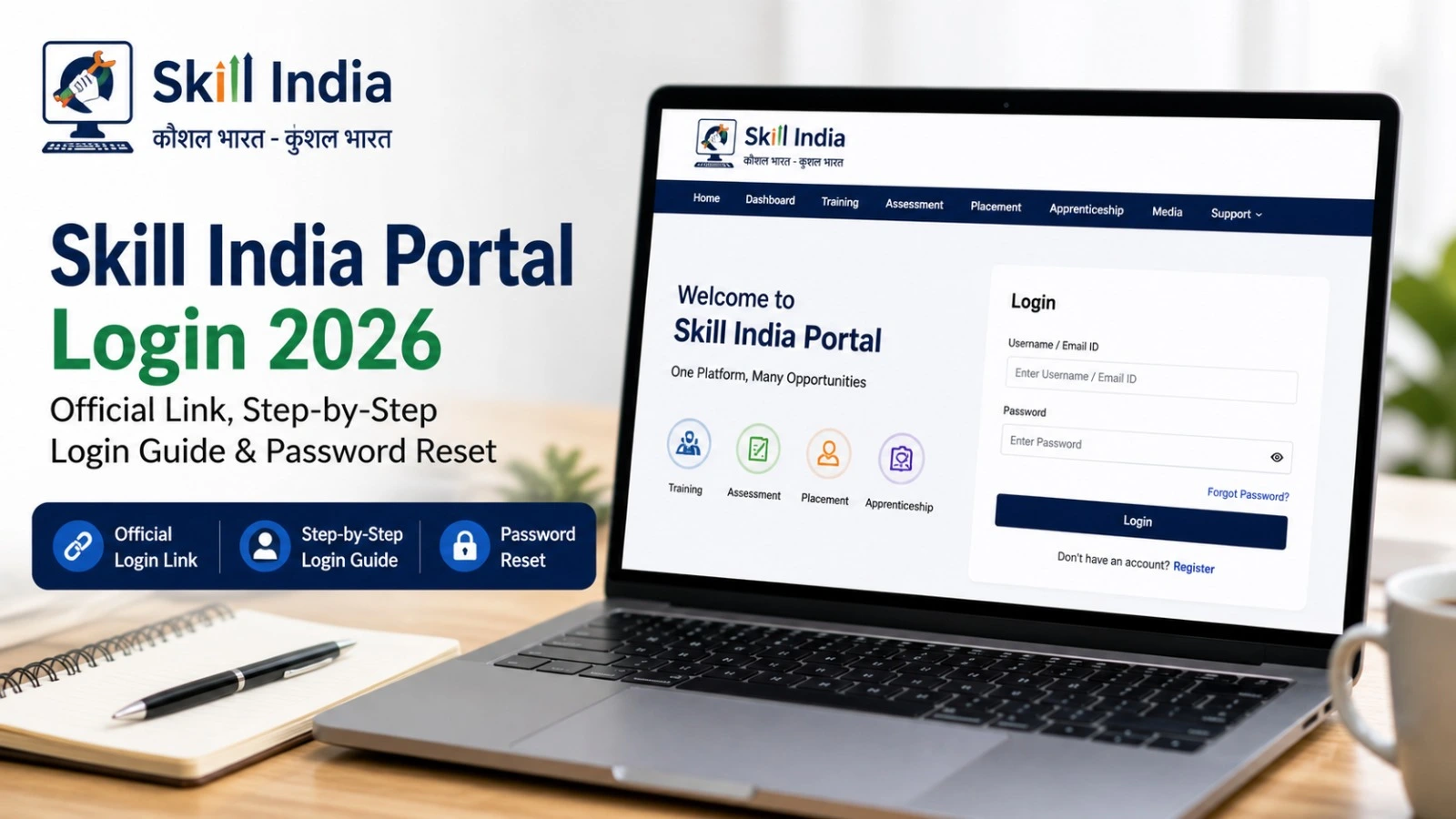
Skill India Portal Login 2026: Official Link, Step-by-Step Login Guide & Password Reset
The Skill India Portal is an important digital platform for people who want to develop new skills, explore training courses and improve their career opportunities. Through the Skill India Digital Hub (SIDH), learners can discover skill-development programmes, access available courses and explore employment and apprenticeship opportunities.
If you are searching for the Skill India Portal Login 2026, this guide explains how to access the official website, log in using your registered mobile number, recover account access and complete e-KYC when required.
Skill India Portal Login 2026: Overview
Check the important portal details before starting the login process.
| Details | Information |
| Portal name | Skill India Digital Hub (SIDH) |
| Main purpose | Skill development, training and career opportunities |
| Portal type | Online government skilling platform |
| Registration method | Registered mobile number and OTP |
| Login credentials | Registered mobile number and account PIN/password |
| Verification | Aadhaar-based e-KYC when required |
| Official website | https://www.skillindiadigital.gov.in/home |
| Managing ministry | Ministry of Skill Development and Entrepreneurship |
| Article updated | 17 October 2026 |
The portal was launched on 13 September 2023 to bring training, assessment, certification and related skilling services together on a common digital platform. Official government information.
Skill India Portal Login 2026: Official Link
Candidates can access the official Skill India Digital Hub website using the link below.
Official portal: https://www.skillindiadigital.gov.in/home
After opening the website, look for the Login option. Use the official portal rather than third-party websites claiming to provide government registration or login services.
Keep your registered mobile number available because the portal may require OTP verification during account access or other activities.
How to Login to the Skill India Portal
Follow these steps to access your Skill India Digital Hub account.
Step 1: Visit the official website
Open the Skill India Digital Hub portal in your browser.
Step 2: Select Login
Click the Login option on the homepage and choose the learner or participant option if prompted.
Step 3: Enter your registered mobile number
Provide the mobile number associated with your account. Follow the instructions displayed on the screen.
Step 4: Verify your mobile number
If an OTP is requested, enter the code received on your registered mobile number. Never share your OTP with another person.
Step 5: Enter your account PIN
Enter the account PIN or password you created during registration. Follow the current on-screen instructions if the login process has changed.
Step 6: Open your dashboard
After successful login, access the dashboard to explore available courses, training programmes and other relevant services.
These steps follow the candidate access process described in the NSDC registration and enrolment guide.
Skill India Portal Password Reset: How to Recover Access
If you have forgotten your account PIN or cannot access your account, try the following steps:
- Open the official Skill India Digital Hub website.
- Select Login and enter your registered mobile number.
- Look for the Forgot Password option if it appears on the login screen.
- Follow the available verification instructions.
- Enter the required OTP or other verification details.
- Set a new PIN or password if the portal allows you to do so.
- Return to the login screen and try accessing your account again.
The exact recovery options may vary depending on the current portal interface. If the Forgot Password option is unavailable or recovery fails, use the official website’s Help & Support section for assistance.
Do not create another account immediately if your existing account is inaccessible. First, check whether you can recover the original account.
How to Complete Skill India Portal e-KYC
Some courses and government-supported training programmes require identity verification before enrolment.
To complete e-KYC, log in to the portal and check whether your dashboard displays an e-KYC prompt. Follow the available verification instructions and provide the required details.
If Aadhaar verification is requested, use the official process and ensure that your Aadhaar-linked mobile number is available for OTP verification where applicable.
Successful login does not necessarily mean that e-KYC or course enrolment is complete. Check your dashboard for any pending requirements.
What to Do If Skill India Portal Login Is Not Working
If you experience login problems, try these basic solutions.
| Problem | What you can try |
| OTP not received | Check your mobile network and confirm your registered number. |
| Incorrect PIN | Re-enter your credentials carefully and use the recovery option if available. |
| Login page not loading | Refresh the page or try another browser. |
| Account verification pending | Check your dashboard for e-KYC instructions. |
| Course not appearing | Search the course catalogue and review its eligibility and availability. |
| Account access still failing | Contact official portal support. |
Never share your password, account PIN or OTP with anyone claiming to provide unofficial login assistance.
What Can You Do After Logging In?
Once you have accessed your account, you can explore the services available to you, including:
- Searching for skill-development courses.
- Reviewing available training programmes.
- Checking relevant course details and eligibility.
- Exploring training centres and enrolment options.
- Looking for apprenticeship and employment opportunities.
- Reviewing your profile and completing pending verification requirements.
Course availability, eligibility, fees and certification conditions can differ between programmes. Read the details of each course before applying.
You can also explore the official Skill India free online courses page to check currently listed learning opportunities.
Frequently Asked Questions
What is the official Skill India Portal Login link for 2026?
The official Skill India Digital Hub website is https://www.skillindiadigital.gov.in/home.
Can I log in using my mobile number?
Yes. The candidate login process uses the registered mobile number, with OTP verification or account PIN entry as required by the portal.
What should I do if I forget my Skill India Portal password?
Use the available password recovery option on the official login screen. If recovery is unavailable, contact official portal support.
Is Aadhaar e-KYC required?
e-KYC may be required for specific services or enrolment processes. Follow the instructions displayed on your account.
Are all Skill India courses free?
No. Some courses are listed as free, while conditions can vary across programmes. Check the official course listing before enrolling.
Conclusion
The Skill India Portal Login 2026 process allows registered learners to access the Skill India Digital Hub and explore available skill-development services. Keep your registered mobile number and account credentials ready, complete any required verification and check course eligibility before applying.
For accurate information about login, registration, training and available courses, always use the official Skill India Digital Hub website.