Skill India Registration 2026: Step-by-Step Online Apply Process
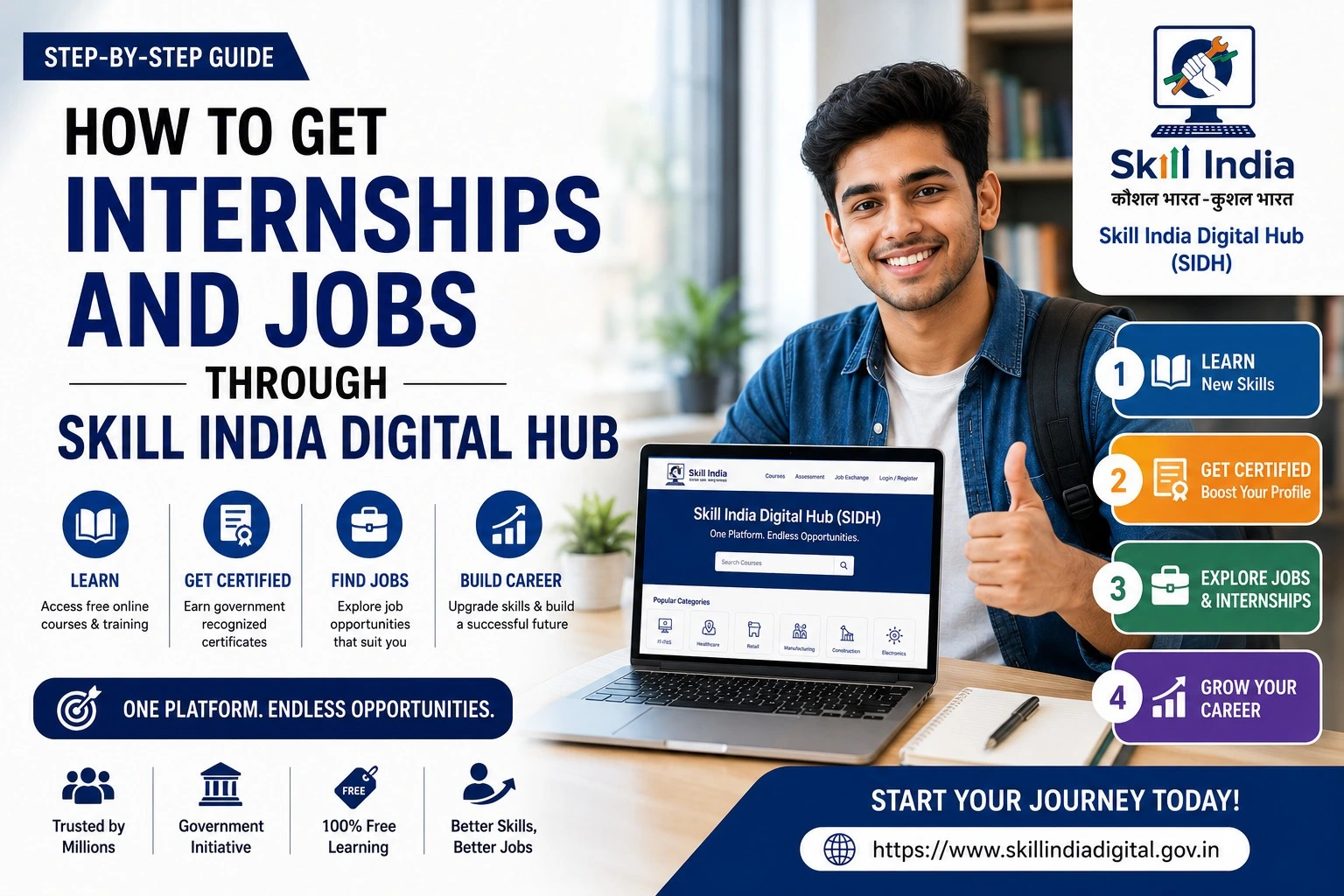
Skill India Registration 2026 is an opportunity for students, job seekers, freshers and working professionals to explore skill development and vocational training programmes. Through the Skill India Digital Hub (SIDH), candidates can discover courses, check training opportunities and apply for eligible programmes online.
The registration process depends on the selected scheme or course. Candidates should check the eligibility requirements, application availability and training details before submitting their information. This guide explains how to register on the official portal, complete verification, find suitable courses and track an application.
Skill India Registration 2026: Overview
| Detail | Information |
| Initiative | Skill India |
| Digital platform | Skill India Digital Hub (SIDH) |
| Registration mode | Online |
| Purpose | Skill development and training opportunities |
| Eligibility | Depends on the selected programme |
| Registration fee | Check the individual course or scheme |
| Application deadline | Depends on the programme |
| Official portal | skillindiadigital.gov.in |
There is no single deadline or eligibility rule for every Skill India programme. Always check the relevant official course page for current information.
What Is Skill India Registration?
Skill India is a national initiative that supports vocational training and the development of employment-related skills. Its programmes cover different sectors, including technology, digital services, technical trades and industry-oriented training.
The Skill India Digital Hub provides a central digital platform for discovering skilling opportunities and accessing services related to training, assessment and certification. Depending on the programme, candidates can explore courses, submit an application or express interest in available training batches.
Registration does not automatically guarantee admission, free training, employment or a certificate. These depend on the specific programme’s conditions.
Official Skill India Registration Link 2026
Candidates should use official websites to avoid misleading registration pages and unauthorised agents.
| Purpose | Official link |
| Skill India Digital Hub | Visit SIDH |
| Free online courses | Explore online courses |
| National Skill Development Corporation | Visit NSDC |
| Ministry of Skill Development and Entrepreneurship | Visit MSDE |
Eligibility for Skill India Registration 2026
Eligibility varies by scheme, course and training provider. Before applying, review these conditions:
- Age limit: Some programmes specify a minimum or maximum age.
- Educational qualification: Certain courses require Class 10, Class 12, graduation or a relevant technical qualification.
- Identity verification: Candidates may need to complete Aadhaar-based e-KYC.
- Location: Some training batches are available only at selected centres or locations.
- Programme-specific requirements: Certain schemes have additional eligibility conditions.
Check the official course details rather than assuming that every programme is open to all applicants.
Documents and Details Required
Keep the following information ready, where applicable.
| Document or detail | Purpose |
| Active mobile number | Registration OTP and communication |
| Email address | Account communication, if requested |
| Aadhaar details | e-KYC, where required |
| Educational certificates | Qualification verification |
| Photograph | If requested by the programme |
| Address details | Profile completion or location eligibility |
| Other supporting documents | Depending on the selected scheme |
Only submit personal information through the official portal or an authorised training provider.
How to Register for Skill India Online in 2026
Follow these steps to create your account and explore available training opportunities.
Step 1: Visit the Official SIDH Portal
Open the Skill India Digital Hub using your browser. Confirm that you are on the official website before entering any personal information.
Step 2: Select the Register Option
New users should click Register and select the learner or participant option when prompted. Existing users can select the login option instead.
Step 3: Enter Your Mobile Number
Provide your active mobile number and continue as instructed. An OTP will be sent to verify your number.
Step 4: Verify the OTP
Enter the OTP received on your registered mobile number. If it does not arrive, check your network and request another code when the portal allows it.
Never share your OTP with another person.
Step 5: Set Your Account Password or PIN
Follow the on-screen instructions to create the required account password or PIN. Keep it secure for future logins.
Step 6: Complete Aadhaar e-KYC
Enter your Aadhaar details when requested and complete the verification process using the OTP sent to your Aadhaar-linked mobile number.
The official NSDC candidate registration guide includes Aadhaar e-KYC in its described registration process. Follow the current portal instructions if the verification screens change.
Step 7: Open Your Dashboard
After completing the required registration and verification steps, access your dashboard. Navigate to the available course or programme section to explore suitable opportunities.
Step 8: Select a Scheme or Course
Review the available programmes and choose one that matches your qualifications and interests. Depending on the portal workflow, you may be able to search by scheme, sector, job role or course mode.
Step 9: Select a Training Batch
For programmes that use batch-based enrolment, check the available batch details. Review the batch ID, training centre, location, start date and timing before proceeding.
The official candidate guidance describes a process in which candidates can express interest in up to five batches. Follow the current instructions shown for your selected programme.
Step 10: Complete Your Profile and Submit
Enter all mandatory personal and educational details requested by the portal. Review the information carefully, submit the form and save any confirmation or reference details provided.
Step 11: Track Your Application Status
Open My Dashboard → Applications to check your request, where this feature is available. Depending on the programme, the request may initially appear as pending while the training centre reviews it.
If your request is approved, follow the portal’s instructions to accept the invitation and complete any remaining enrolment requirements.
What Happens After Skill India Registration?
After submitting an application, monitor your dashboard and registered mobile number for updates. Some programmes allow direct enrolment, while others require training-centre approval.
Before accepting a training opportunity, verify the centre’s name, training partner, batch timing and course details. Contact the authorised provider if any information is unclear.
Common Skill India Registration Problems
| Problem | Possible solution |
| OTP not received | Check your network and retry when permitted. |
| Aadhaar verification fails | Check your details and Aadhaar-linked mobile access. |
| Unable to log in | Follow the portal’s password or PIN recovery instructions. |
| Course not visible | Review the available filters, scheme and location. |
| Application pending | Check your dashboard and contact the relevant training centre. |
Frequently Asked Questions
Is Skill India Registration 2026 free?
Registration and course fees depend on the programme. Some online courses are listed as free, while other training opportunities may have different conditions. Check the official listing before applying.
Can students apply for Skill India courses?
Yes, students can apply for courses for which they meet the eligibility criteria. Qualification, age and other requirements vary by programme.
Is Aadhaar mandatory for SIDH registration?
The published NSDC candidate registration process includes Aadhaar-based e-KYC. Follow the current official portal instructions to confirm the requirements for your account and selected programme.
Does Skill India guarantee a job?
No. Skill development can help candidates build relevant competencies, but registration or course completion does not guarantee employment.
How can I get a Skill India certificate?
Certificate availability depends on the selected programme, completion requirements and assessment rules. Check the course details and follow the official certification process.
Important Points Before Applying
- Use the official Skill India Digital Hub.
- Check course eligibility and availability before applying.
- Complete the required mobile verification and e-KYC.
- Review training-centre and batch details carefully.
- Save your application confirmation and monitor its status.
- Avoid websites or agents promising guaranteed admission, jobs or certificates.
Disclaimer
SkillIndiaUpdates.com is an independent information website and is not affiliated with the Government of India, NSDC or the Skill India Digital Hub. Registration procedures, course availability and eligibility requirements may change. Verify all details through official sources before submitting an application.